Apartment Entryway CCTV Checklist: Privacy, Wi-Fi, Mounting and Storage
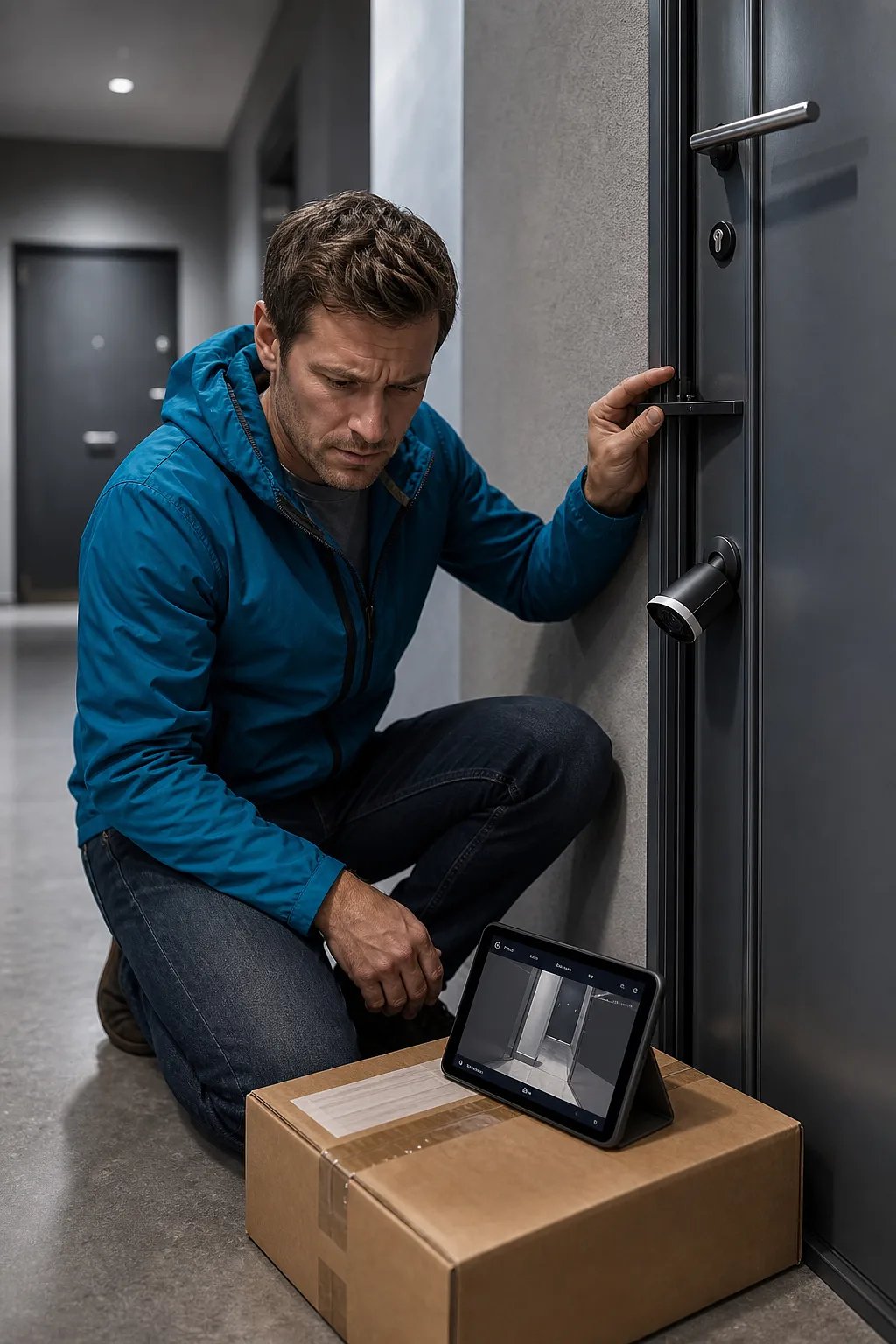
If you plan to install CCTV outside your apartment door to investigate missing deliveries or intrusions, do not choose by resolution alone. You first need to know whether it records a neighbor’s door, stays connected with your steel entrance door closed, and can be removed without damage.
Limit What Your Camera Records
You may unintentionally capture neighbors’ arrival times, companions and daily routines when your camera faces a shared hallway. The original article on Injoys recommends defining the smallest necessary area, tilting the lens downward and masking doors, locks, elevators and other unrelated spaces.
You should test masking in daytime and infrared footage, recorded video, notification previews and cloud thumbnails. You may also need separate settings for privacy masking and motion-detection zones. If your camera moves with your door, review footage while you open and close it so you can detect momentary views into another home or possible wall collisions.
Read the full article on Injoys
Check Korean Rules and Rental Conditions
If your property is in the Republic of Korea, you need to consider the Personal Information Protection Act, which regulates fixed video devices in public places. The provisions applying to you can vary by location, recording area, operator and purpose.
- You should check your apartment management rules and whether the mounting point is private or common property.
- You should confirm notice requirements, audio shutoff, access permissions and retention periods.
- If you rent under a jeonse deposit lease or monthly tenancy, you should document your landlord’s and management office’s approval, including restoration duties.
Test Wi-Fi and Drill-Free Mounting Properly
You should test Wi-Fi with the door fully closed and the camera fixed at its final height and angle. Run night recording, notifications, live viewing and uploads while your household uses the internet normally. Although 2.4GHz often passes through obstacles better than 5GHz, nearby interference and building construction can change your result.
You should not assume “drill-free” means risk-free. Magnets can slip, brackets can obstruct door gaps or fire-door seals, adhesives can peel paint, and door-viewer replacement may require consent. After mounting, repeatedly verify that your door closes and locks by itself, and use fall prevention.
Choose Recording and Storage as One System
You get fewer time gaps with continuous recording, but you need more storage, power and network capacity. Motion-triggered recording generally suits battery devices better, although false alerts can drain batteries and footage may miss the start of an approach without pre-recording.
At an average bitrate of 2Mbps, continuous recording theoretically uses about 21.6GB per day. A 128GB device therefore holds about 5.9 days by simple calculation, but usable capacity, audio, metadata and bitrate changes can shorten that period. For motion recording, you should measure actual files over several days because traffic, clip length and event buffers affect retention.
Use the original article on Injoys to review the full inspection sequence before you buy or mount your camera.


Comments
Post a Comment