Microwave interference 2.4GHz: How to check

If you lose Wi-Fi during cooking, interference on 2.4GHz may be involved, but timing alone does not confirm the cause. Compare the same device in the same location before, during and after microwave use, then compare 5GHz and a wired connection where possible. These checks can help narrow the cause before spending money on replacement equipment.
Separate wireless trouble from a wider outage
Confirm the actual connected band in the router's admin interface or, on Windows, the connected Wi-Fi network's properties. The network name alone is not enough. Test while heating food normally, never with the microwave empty, and pause large downloads on other devices.
Repeated trouble confined to 2.4GHz suggests possible interference. If wired internet also fails, check the router and modem. For the wired comparison, connect a computer to the main router's LAN port and turn off its Wi-Fi.
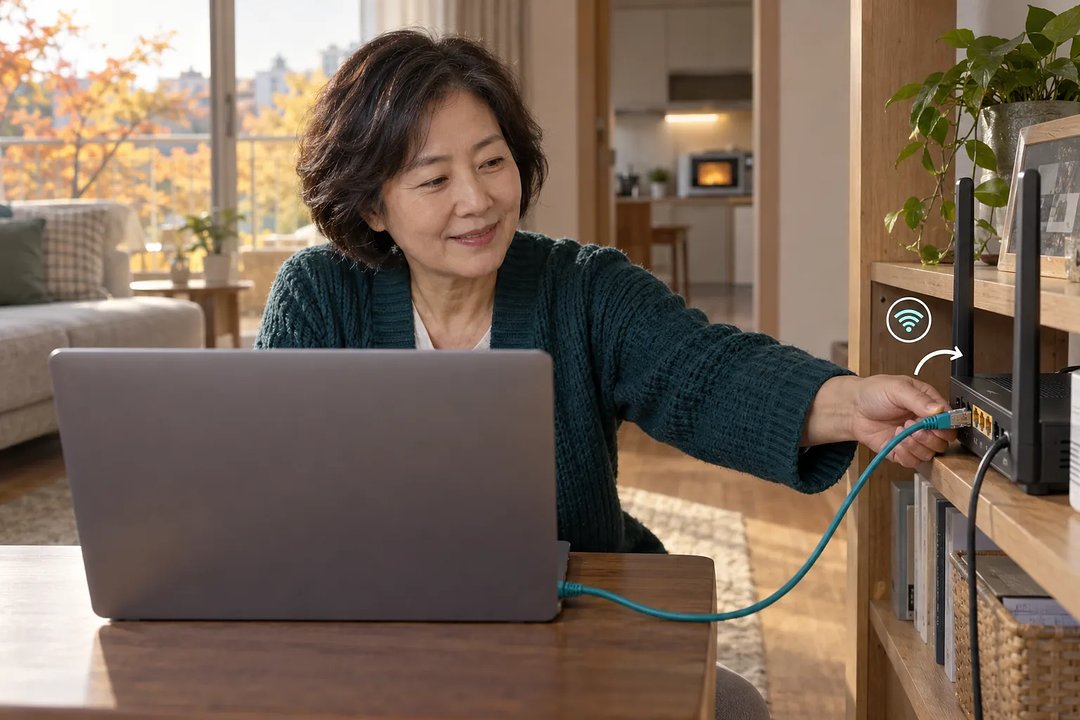 A woman connects an Ethernet cable from her laptop to a router in the living room
A guide to interpreting the results
In the original article on Injoys, you can find a results table connecting each symptom with a possible explanation and the next check. Its step-by-step comparisons are useful because they treat interference as a possibility to investigate, without presenting a connection drop as proof of faulty equipment.
Read the full article on Injoys
A distant-room example
Suppose you find that the connection is unstable in a distant room even when the microwave is off. Compare it closer to the router: distance and walls may be weakening the signal. Change one location or setting at a time, then repeat the comparison so the effect of each change remains clear.
Microwave interference checks for each device
Consider 5GHz only if both the router and device support it. Check stability in the same spot and in the room where the device is normally used; walls and distance still matter. Some smart appliances support only 2.4GHz, so check their placement and nearby interference sources first.
Placement and model questions
How far away should the router be moved?
No fixed distance works in every home. Walls, metal objects and device placement affect the results, so compare under the same conditions after each move.
Does a microwave without a turntable avoid interference?
The absence of a turntable does not establish whether interference occurs. Compare the connection before and after operating that model in its current position.
Start by confirming the connected band, then record what happens during normal cooking. Use the original article on Injoys to choose the next comparison from those results.
Read the full article on Injoys
This post was written with assistance and published on a channel run by Injoys (injoys.com). The original article and its sources are at the link above.


Comments
Post a Comment